

What is Flex Lite?
Flex Lite gives users the ability to opt into “giving an hour to the grid”. Axle will adjust their charging schedules, and in return, users will receive cash rewards. This approach balances flexibility with user control, allowing participants to earn rewards and help the grid while maintaining oversight of their charging behaviour.How does Flex Lite work?
- When a user plugs in their EV, you communicate the user’s preset charging schedule.
- We then adjust this schedule so that it includes a pause which will allow the user to receive cash rewards from the grid.
- We return the modified schedule to you, which you apply to the charger or vehicle.
What is the UX for Flex Lite?
Flex Lite requires minimal frontend changes. A simple toggle can allow users to opt in or out of Flex Lite. No changes to the charging schedule UX are required.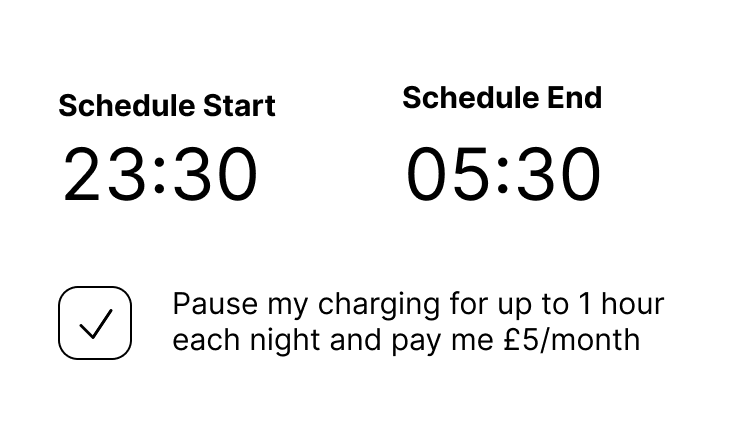
Scheduling behavior
The default behavior for Flex Lite is to insert a single 30 minute pause into the user’s existing charging schedule. This pause is placed at the optimal time to maximize revenue while ensuring the user still meets their charging needs.Why use Flex Lite?
- You want to minimize integration: Flex Lite can be implemented with just 3 endpoints
- Minimal app changes: You only need to collect consent from users, no charging UX changes
- Customers are already happy with scheduling: No need to change the paradigm
Flex Lite gives Axle limited control over charging. This minimises integration and UX complexity. If you’d
like to maximise revenue and grid impact, consider fully managed Smart Charging.